The Fractal Zoom Video, Now in the Repo
Yesterday’s retro fractal zoom has a proper home now. zoom_video.py lives in the python/ folder of my fractals repo, along with the scripts from the last update. It can spin the view and zoom back out again, and it runs a fair bit faster than it did.
What it draws
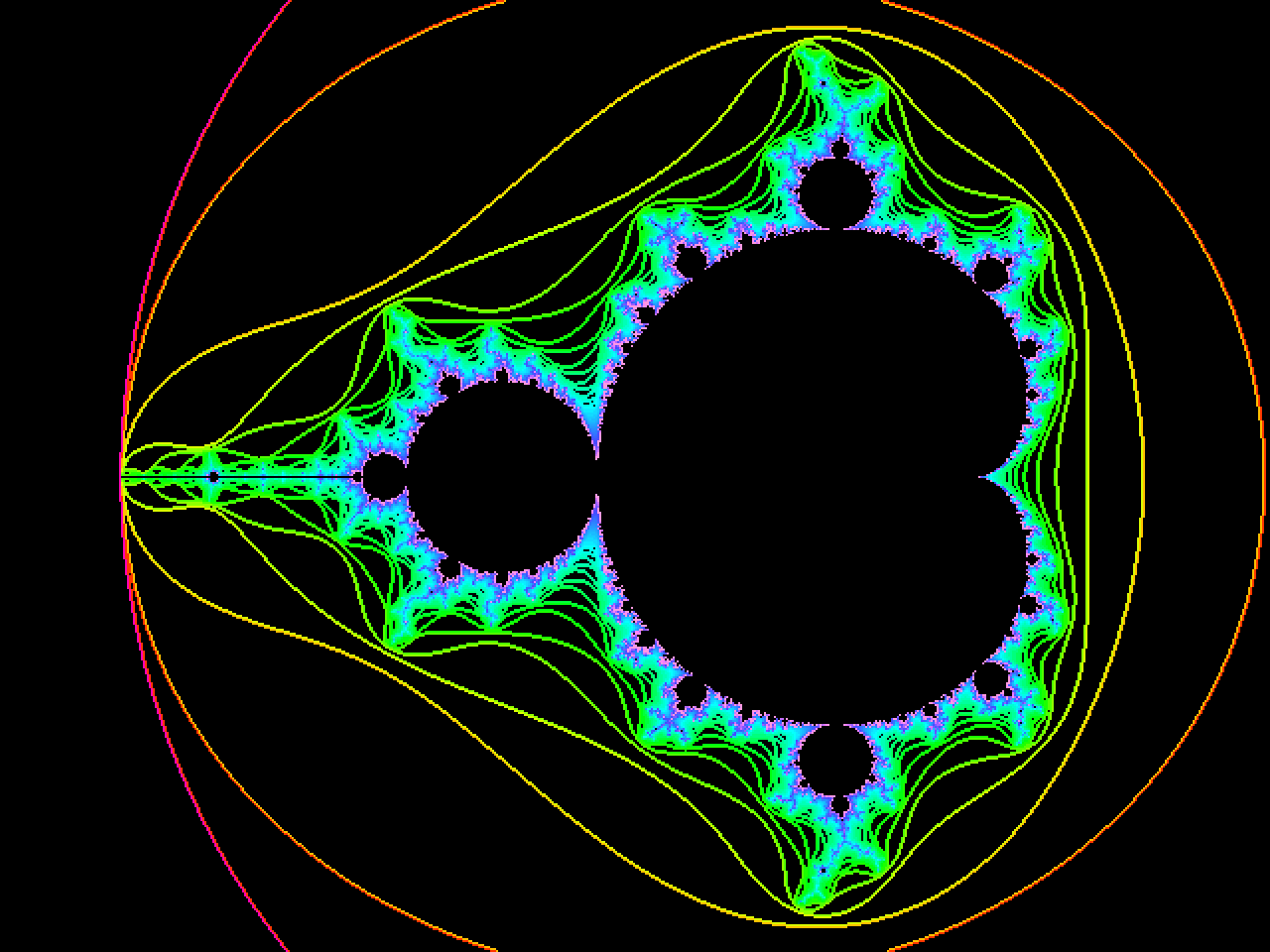
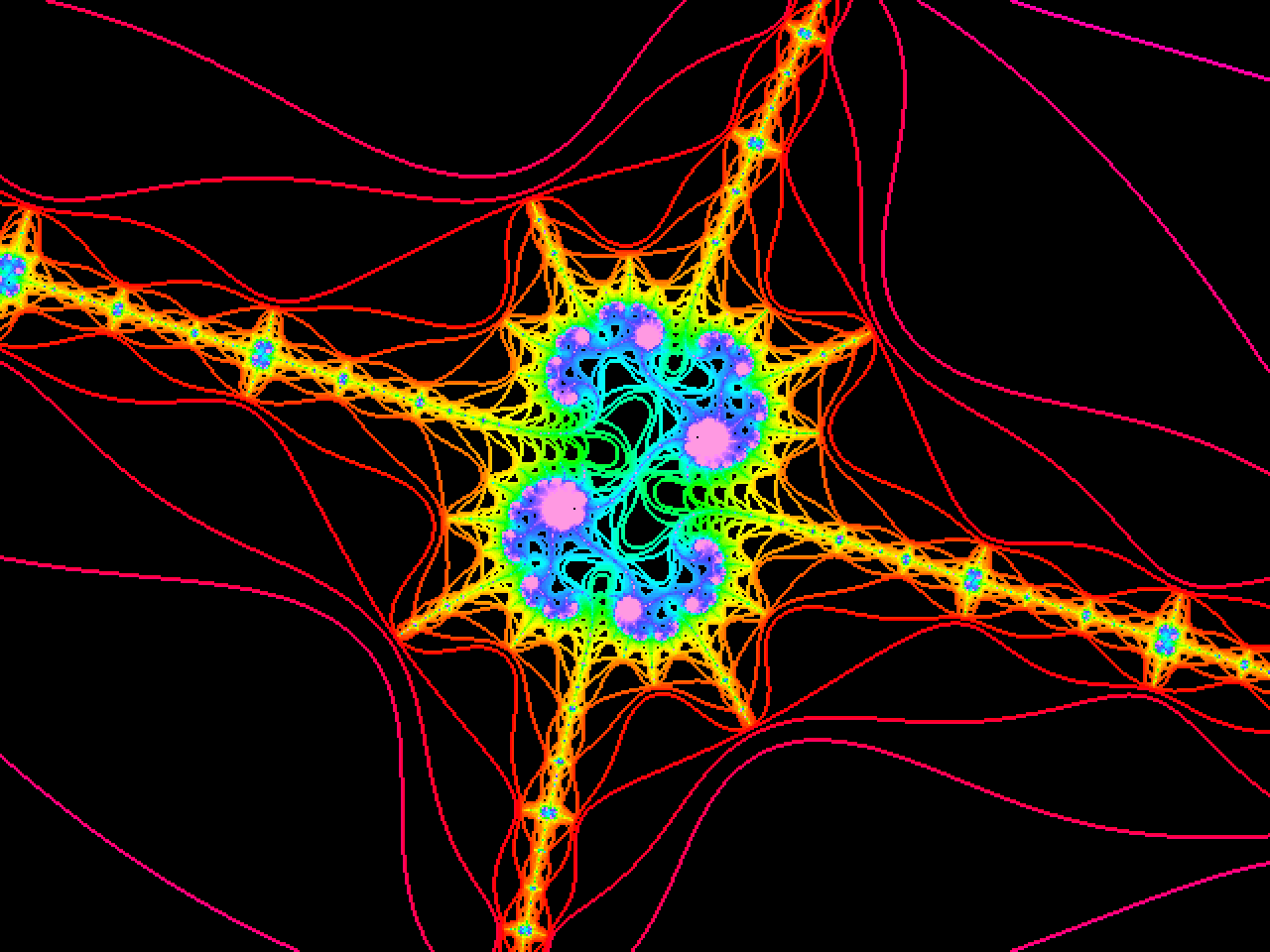
It dives from the whole Mandelbrot set down to the spot used by the old Andromeda Research demo, −1.74747070750 + 0.00087953063i, at 11.1 million times magnification. It only draws the edges between iteration bands and leaves the bands themselves black. Far from the set the bands are wide, so you get thin contour lines; close in they crowd together into solid colour. Each frame is rendered at 640×480 and doubled up with nearest-neighbour scaling, which keeps the chunky VGA feel.
Here are four stills from along the way:
 |
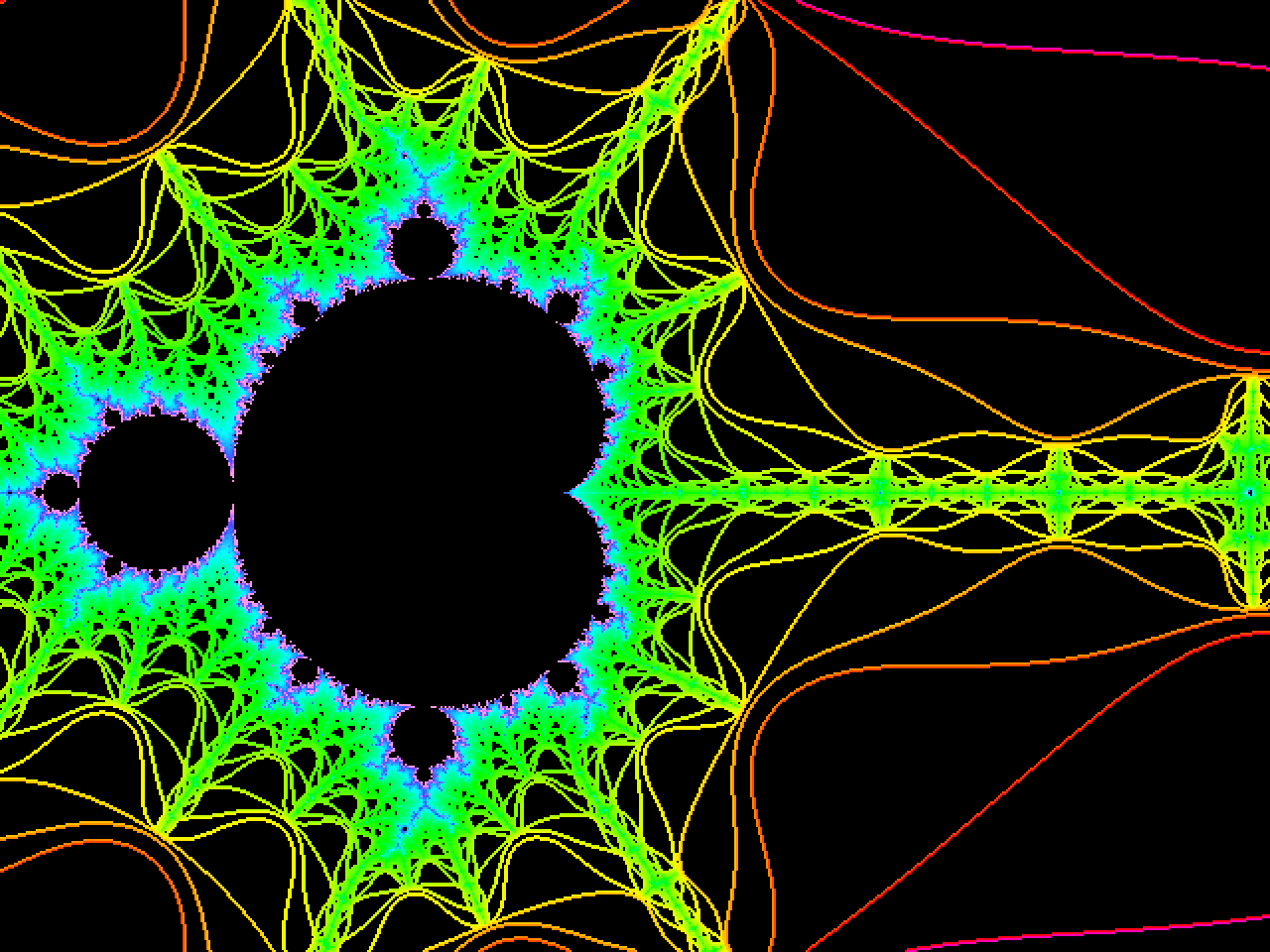 |
| The whole set | Heading down the antenna, 42× |
 |
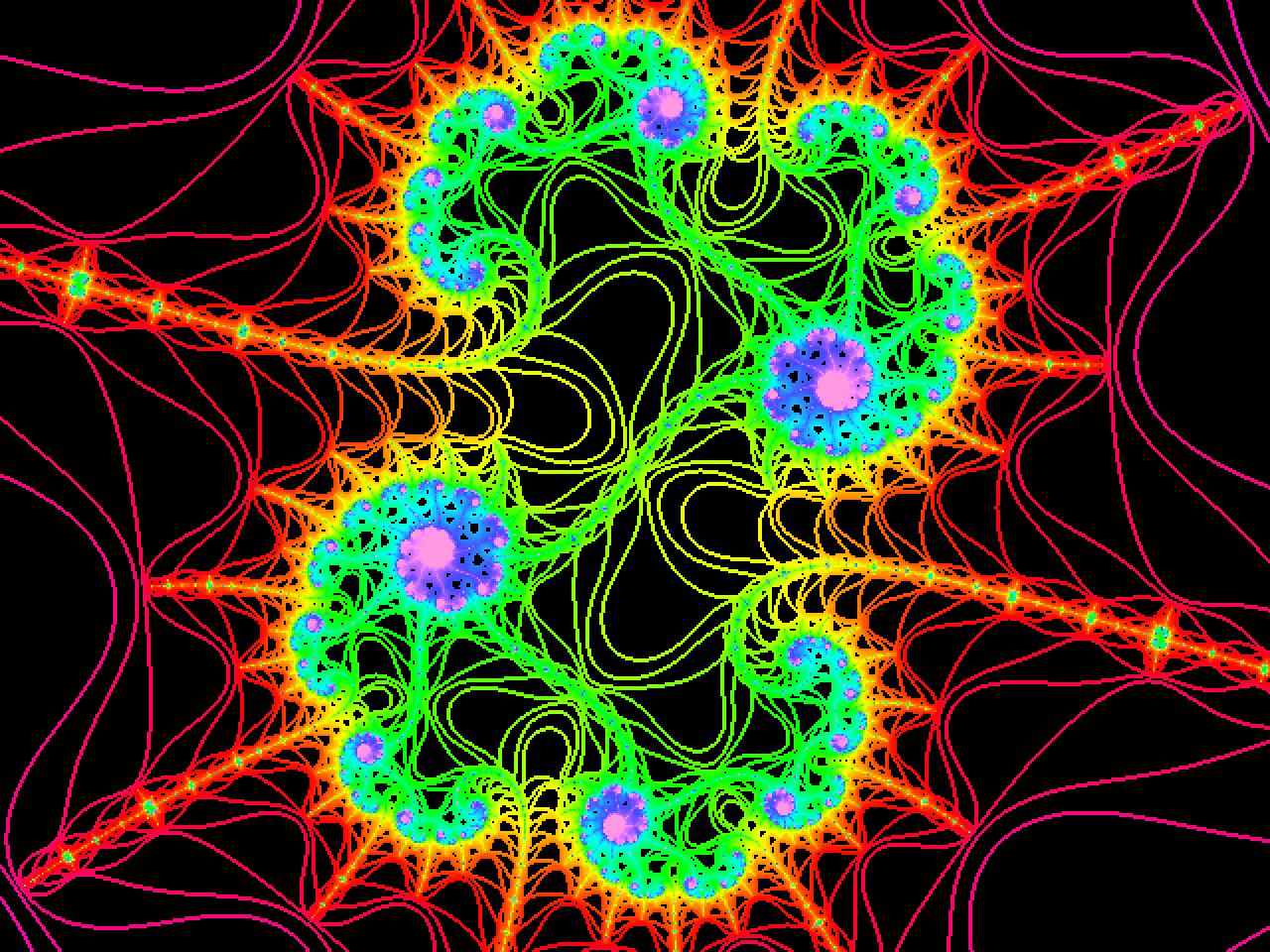 |
| 4.3 million× | The target, 11.1 million× |
The zoom speeds up and slows down smoothly, and the camera glides onto the target during the first 30% of the dive, then stays locked on it. The iteration limit climbs from 300 to about 1,350 as the view narrows. The colours shift from a log-scaled palette for the wide views to a linear one for the deep ones, and each frame’s colour range is smoothed across its neighbours so nothing flickers.
Spinning and coming back out
There are a couple of options to play with. --turns 1 rotates the view one full turn clockwise over the video, and --roundtrip zooms in and then back out again. The rotation keeps going the same way on the way out, so the end matches the start and the video loops cleanly. There’s also --preview, which saves PNG stills at points along the zoom rather than rendering the whole thing; that’s how the pictures above were made.
python zoom_video.py                                   # 20 second zoom
python zoom_video.py --turns 1 --roundtrip -o mandel_roundtrip.mp4
python zoom_video.py --preview 0 0.35 0.8 1            # stills
Making it faster
The fractal maths is done by Numba, which compiles the inner loop and already spreads the rows across every CPU core. The time was going elsewhere:
- Every frame was rendered twice. The first pass rendered the whole video just to work out each frame’s colour range, and then threw the frames away. The second pass rendered them all again to colour and encode them. Now the first pass keeps the raw iteration counts in a temporary file, and the second pass reads them back.
- Colouring held everything up. Colouring a frame meant building its palette in a plain Python loop, about 1,300 colour conversions per frame, all on one core while the render cores waited. The palette is now built with NumPy, and the stats and colouring run in worker threads alongside the rendering.
On my 2-core/4-thread laptop, the 20 second zoom went from 50 seconds to 30, and the 40 second round trip from 1 minute 36 to a minute. The output is byte-for-byte the same video as before. That’s about as fast as this laptop can manage: the maths runs 2.4 times faster on 4 threads than on 1, which is roughly the most hyperthreading on two cores gives you.
Not bad compared with leaving the BBC Micro on overnight for a single picture.
Trying it yourself
You’ll need Python 3, ffmpeg, and the packages in requirements.txt (NumPy, Numba and Pillow).
git clone https://github.com/alastairhm/fractals.git
cd fractals/python
python3 -m venv .venv
.venv/bin/pip install -r requirements.txt
.venv/bin/python zoom_video.py --turns 1 --roundtrip -o mandel_roundtrip.mp4
andromeda_zoom.py in the same folder renders a single still in the same style, if you’d rather go hunting for your own spot with --cx, --cy and --mag.